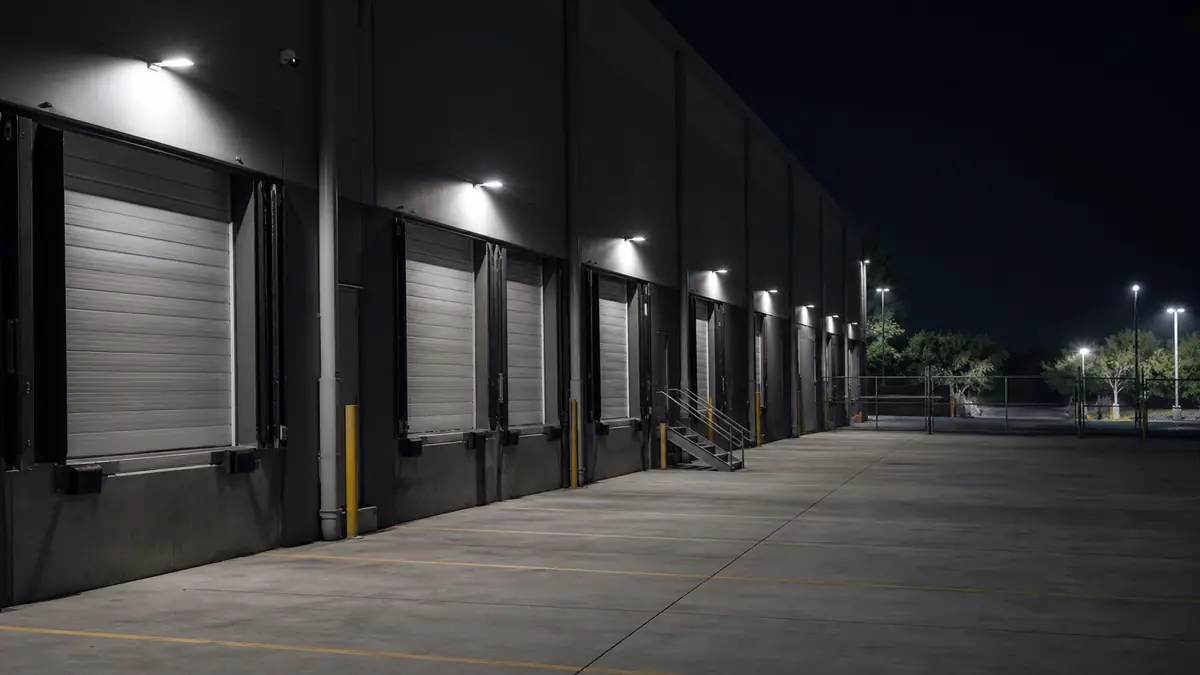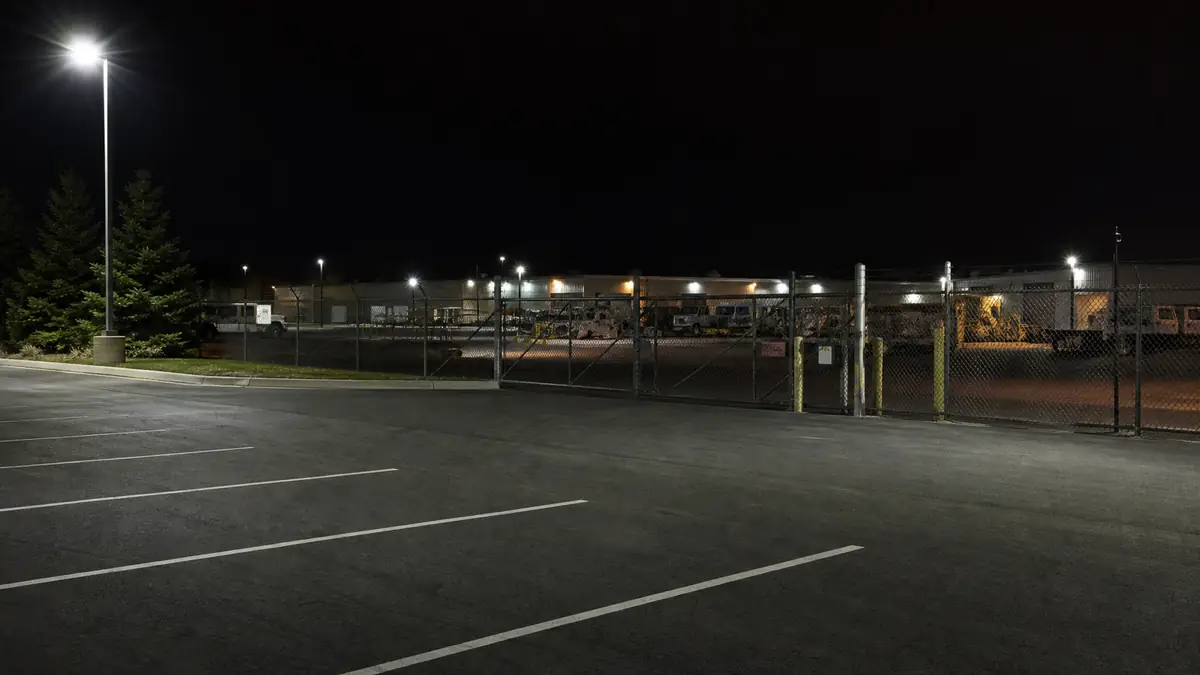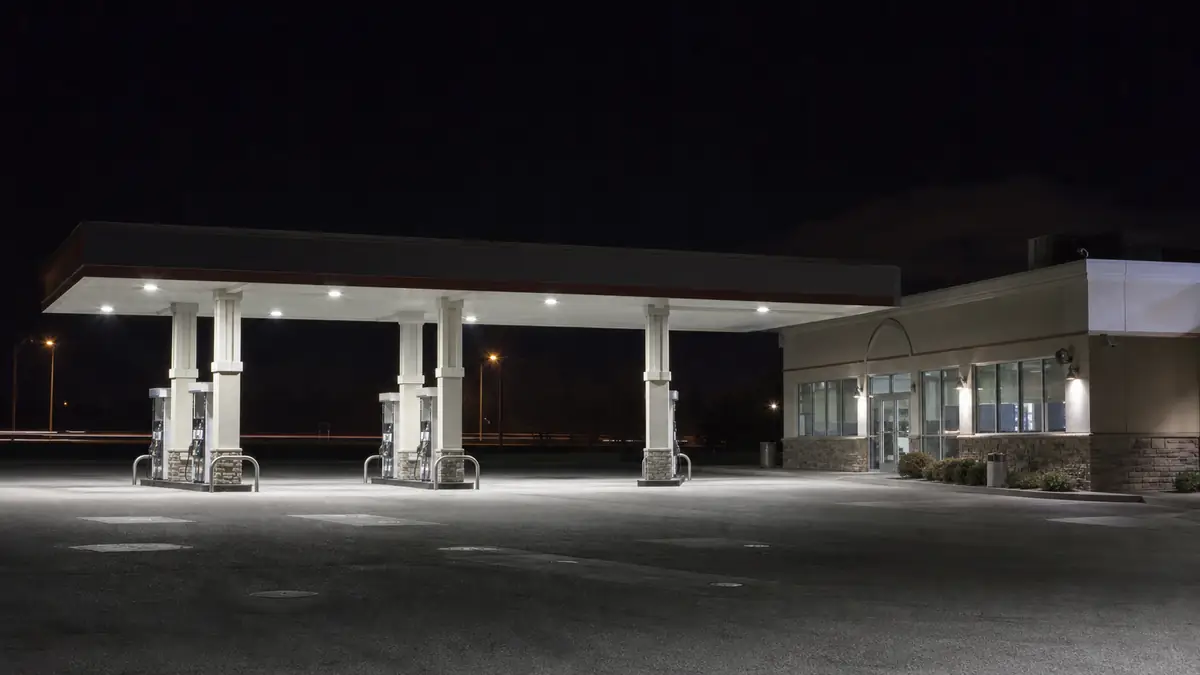
Gas stations
- Your problem
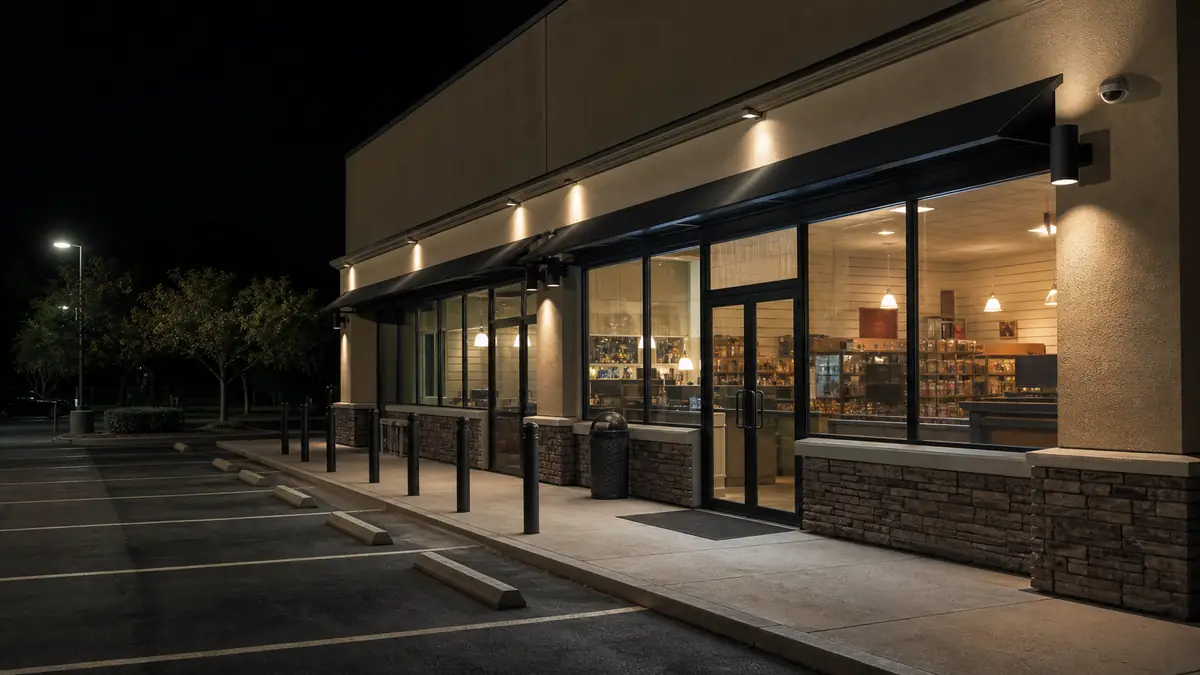
- Fuel islands, entrances, and an open lot stay exposed after the last employee leaves.
- How we solve it
- We review the agreed camera views, verify activity, contact your people, and document the follow-through.
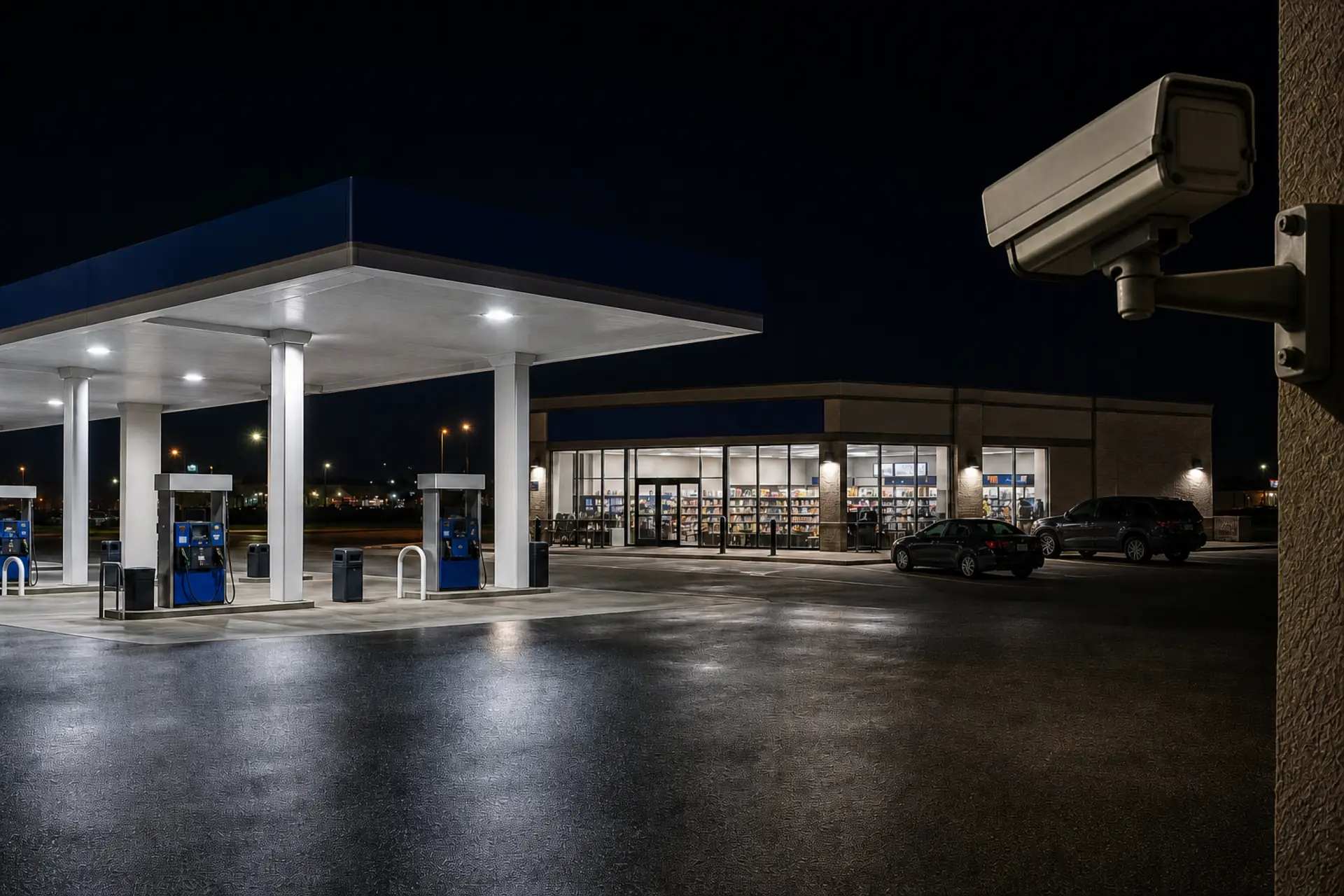
Remote video monitoring for business sites
We monitor compatible business cameras in agreed hours. Humans verify, call or text your contacts, and document what happened.
The problem
KnoxWatch puts a human operating process between the camera and the follow-through.
Footage exists, but recording alone does not create a response.
Owners and managers cannot stay on every camera through every vulnerable hour.
Calls, timestamps, actions, and outcomes are easy to lose when there is no operating process.
How we act
One clear process from the camera view to the written record.
We review compatible camera feeds during the hours agreed for your site.
A human checks the available camera context and separates routine activity from a concern.
We call or text the contacts in the order written into your site plan.
We record timestamps, what we saw, who we contacted, what we did, and the known outcome.
Your site. Your problem. A clear response.
Your problem
Every location has different cameras, managers, hours, and response habits.
How we solve it
KnoxWatch gives each site a written monitoring window, camera scope, contact order, and reporting process.
Your problem
Shared entrances, lobbies, and parking areas remain active beyond a simple open-or-closed schedule.
How we solve it
We scope the hours and views around the property, then follow the instructions agreed for that site.
Proof of work
Site instructions and contact order stay organized. Our monitoring team reviews the camera context, follows the plan, and leaves a clear record.
App plan
Ready before activity begins.
Site cameras
Available views during agreed hours.
Human response
The monitoring team uses the plan and camera context to decide what happens next.
Documented outcome
A verified response completed to the site plan
Timestamps, actions, contacts, and the known outcome stay together.
Incident documentation · illustrative
Each report records what we saw, who we contacted, the action taken, and the known outcome—organized by timestamp.
Incident report
Site 014
02:14 AM
Activity reviewed
02:16 AM
Concern verified
02:17 AM
Site contact called
02:21 AM
Action documented
Status
Escalated
Illustrative example—not a customer incident or a response-time claim.
FAQ
Direct answers about activity, contact order, camera access, reports, and starting service.
During your agreed monitoring hours, we review the available camera view, verify the context we can see, call or text the contacts in your site plan, and document the activity and actions taken.
We follow the phone and SMS contact order agreed during onboarding. If a contact does not answer, we continue the written site plan and document each attempt. We do not invent a response that was not agreed in advance.
Recording preserves footage for later. Monitoring adds human review during the agreed hours, a defined contact path when activity needs attention, and a written record of the follow-through.
We review cameras, hours, risks, and response needs.
Confirm views, monitored hours, contacts, reporting, price, and agreement.
Accept the private invitation and complete secure payment setup.
Confirm dedicated camera access, allowed capabilities, cameras, hours, and escalation before monitoring starts.